Microsoft 365 Family vs Personal — which one to choose?
· Author: B2 Service
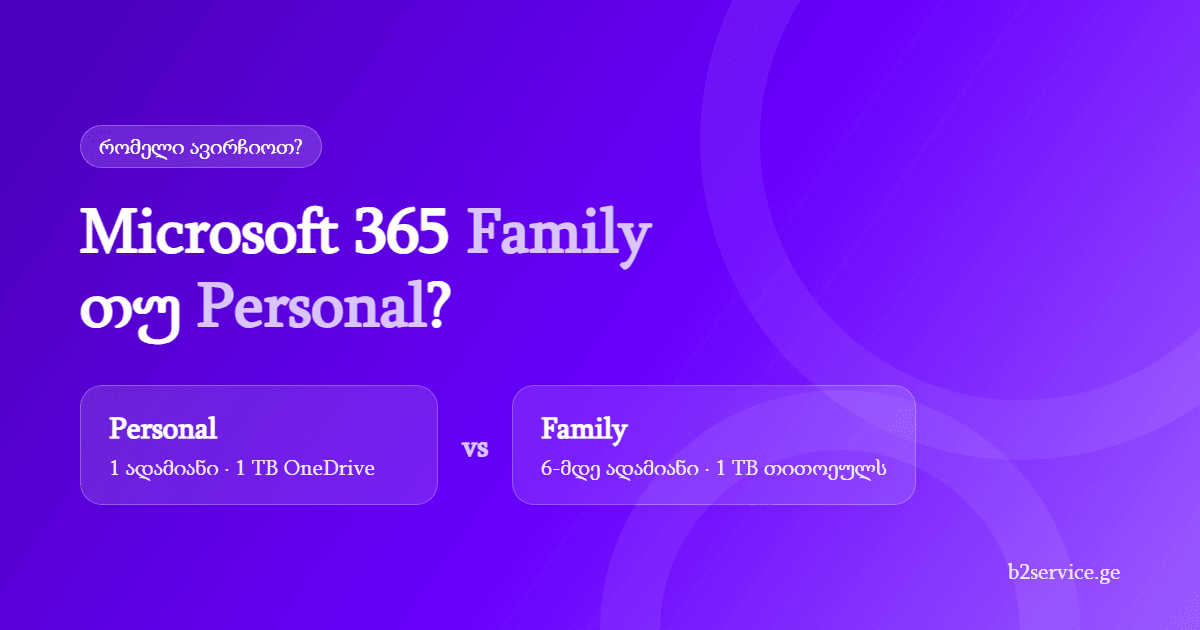
The two Microsoft 365 home plans people compare most are Personal and Family. Both include the same apps — Word, Excel, PowerPoint, Outlook, OneNote and OneDrive. The difference is how many people the subscription covers. Here is a short guide to which one suits you.
The main difference in one sentence
Personal is for one person. Family is for up to 6 people, each with their own account and 1 TB of OneDrive.
Comparison
- Users: Personal — 1, Family — up to 6 (you + 5 members)
- OneDrive: Personal — 1 TB, Family — 1 TB each (up to 6 TB in total)
- Devices: in both, each person can be signed in on 5 devices at once (Windows, Mac, iPhone, iPad, Android)
- Apps: the same in both — Word, Excel, PowerPoint, Outlook, OneNote, Clipchamp, Access (on Windows)
- Copilot: both include Microsoft's AI assistant within limits set by Microsoft
- Privacy: in Family each member's files and email are private — others cannot see them
- Term: both are 1-year subscriptions
Cost per person
At B2 Service (November 2026 prices) Microsoft 365 Personal costs 239 GEL and Microsoft 365 Family costs 279 GEL per year.
- 1 person: Personal — 239 GEL, Family — 279 GEL
- 2 people: two Personal — 478 GEL, Family — 279 GEL
- 6 people: Family — 279 GEL, about 47 GEL per person per year (under 4 GEL a month)
So from the second person on, Family costs almost half as much.
When to choose Personal
- only you use the subscription;
- other family members don't need Office or already have it;
- you want the lowest price for one person.
When to choose Family
- 2 or more people in your household use Office — for example parents and school or university-age children;
- everyone needs their own cloud storage for photos and files;
- you want one subscription that you manage — you can add and remove members at any time.
How Family sharing works
- Activate the Family key at microsoft365.com/setup with your Microsoft account.
- Open account.microsoft.com/services and choose “Sharing” on Microsoft 365 Family.
- Invite up to 5 people by email or link.
- Each person accepts with their own account and installs the apps on their devices.
I already have Personal — can I switch to Family?
Yes. When you activate a Family key on the same account, Microsoft converts the remaining Personal time to Family — the time is recalculated proportionally. You don't need to do anything else.
What if you don't want a subscription at all?
If you don't need 1 TB of OneDrive and yearly updates, you can buy once — Office Home 2024 with a lifetime license for one computer. For a company, Personal and Family are not suitable: they are for non-commercial use. A business needs Microsoft 365 Business Standard.
In short
- Only you → Personal
- 2 or more people → Family (cheaper, and 1 TB each)
- A company → Business Standard
Both plans are for the Georgia region. The license key appears in your account, under “My licenses”, as soon as the payment is confirmed. Questions? Write to hello@b2service.ge or call +995 557 66 70 50.